Looking for Android testers
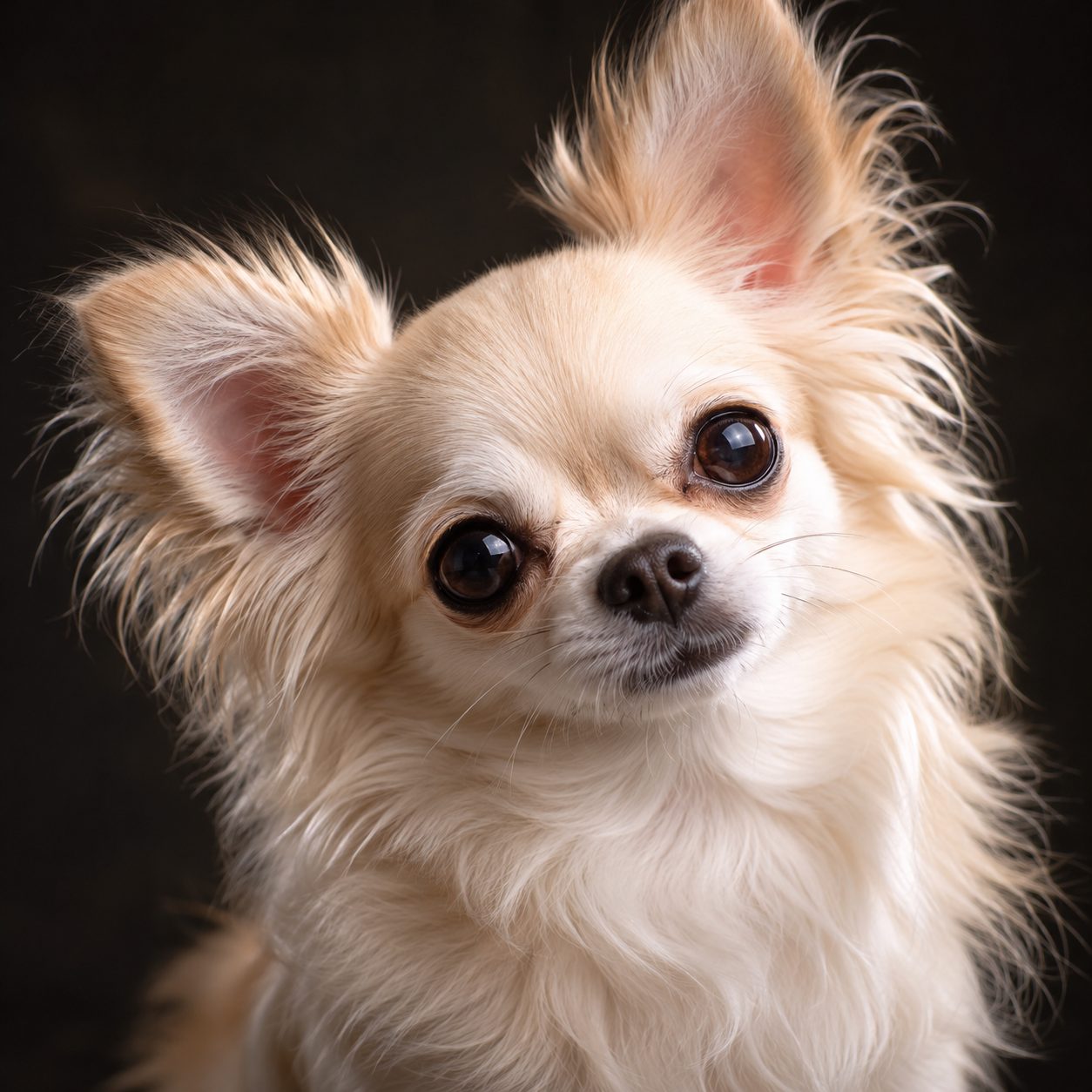
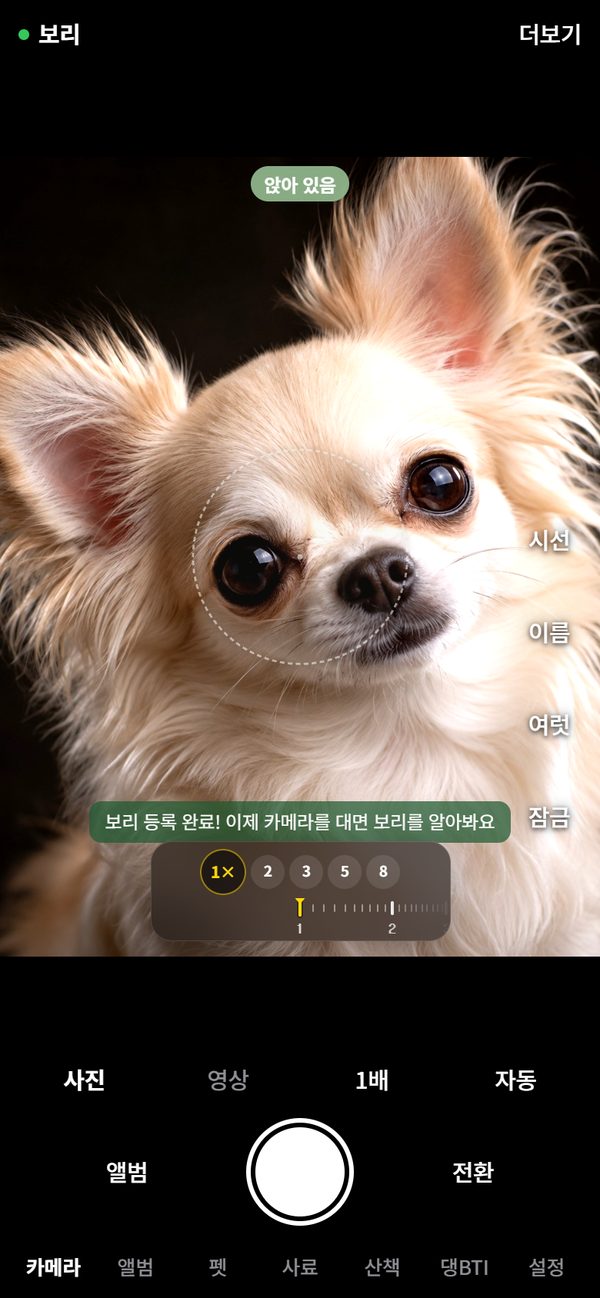
Point it at your pet and it says their name first. When they step into the circle, it zooms in and takes the shot on its own. Dogs and cats alike.
The app itself is in Korean for now. Photos and screens on this page come from the Korean app.
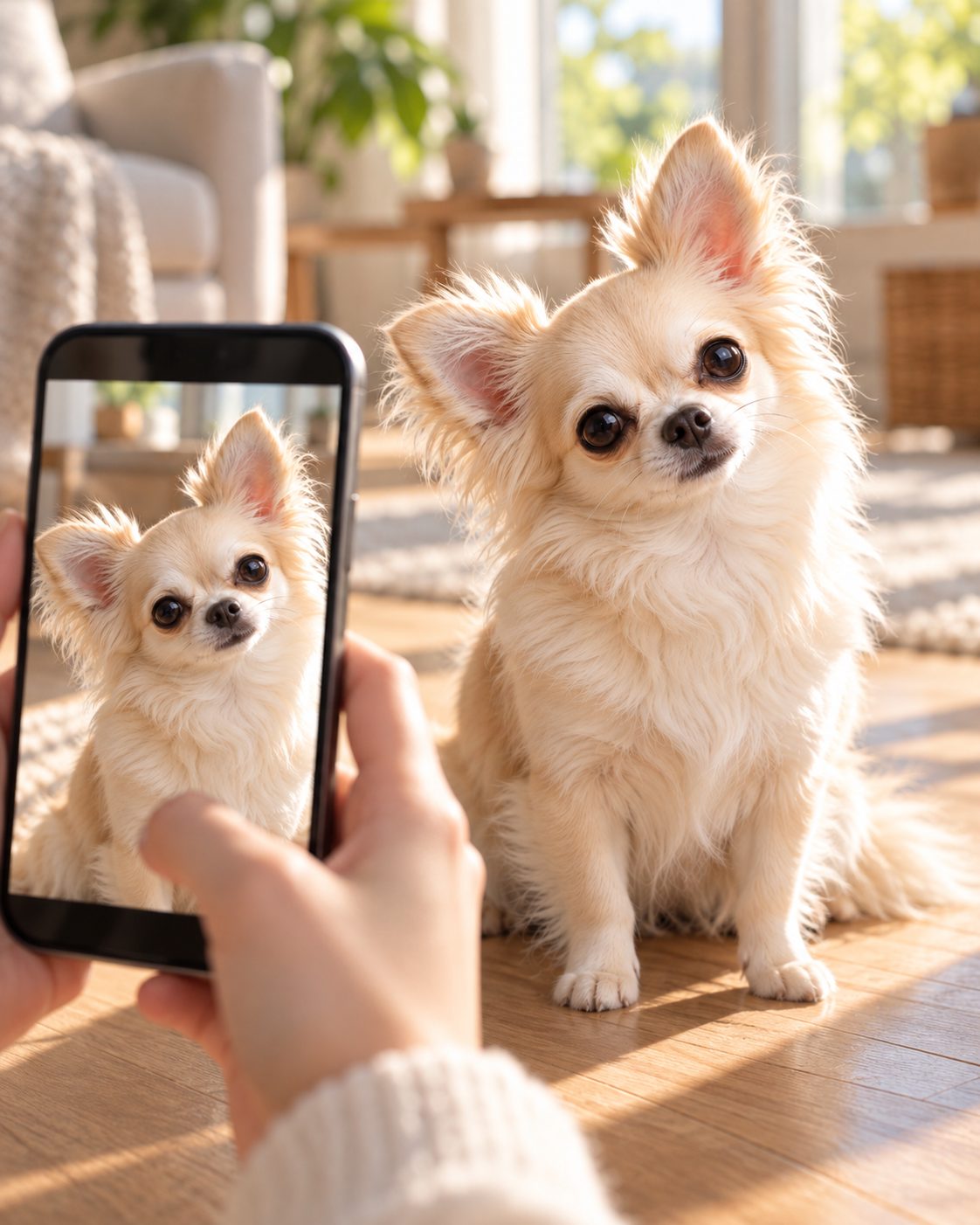
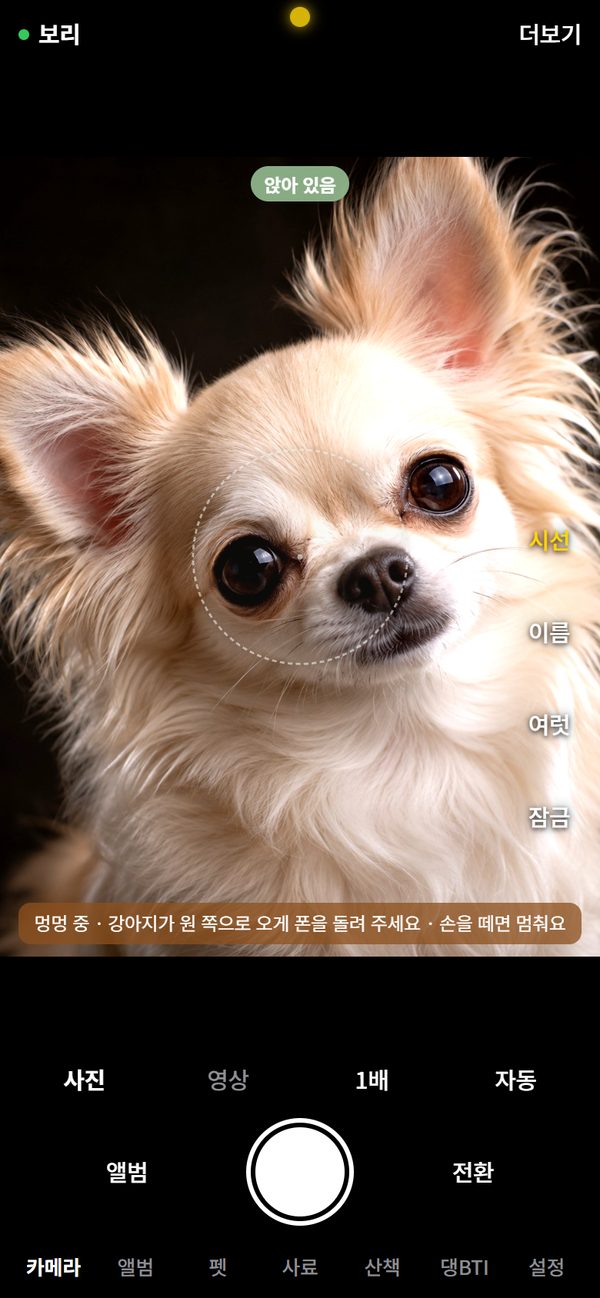
Name recognition
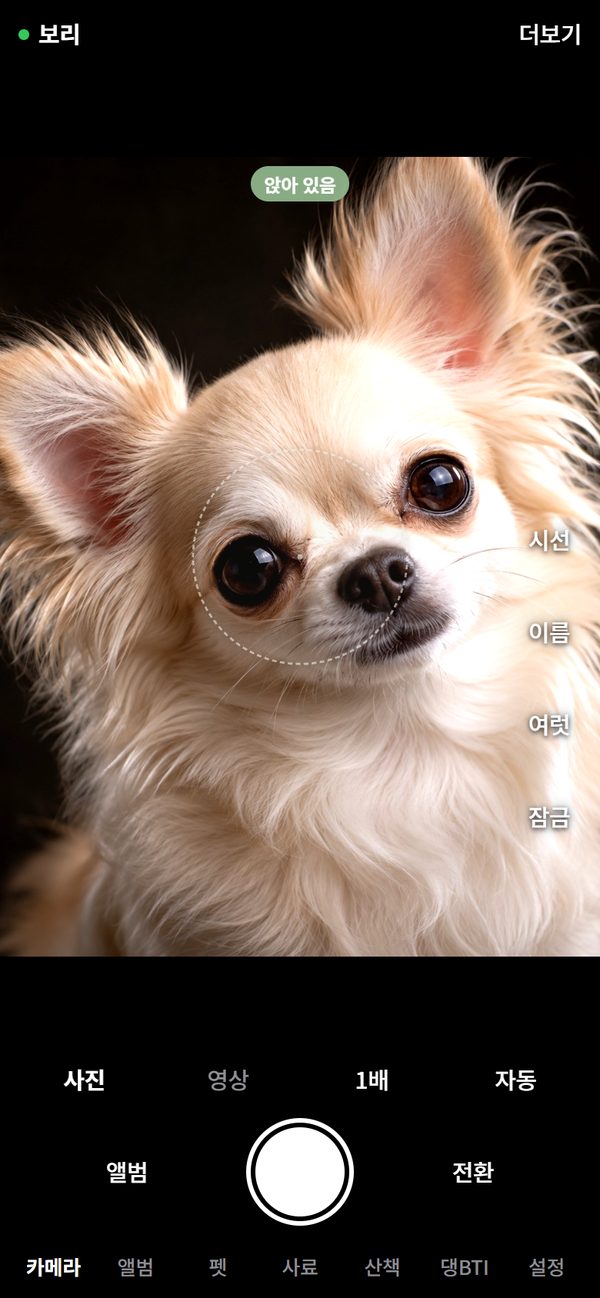
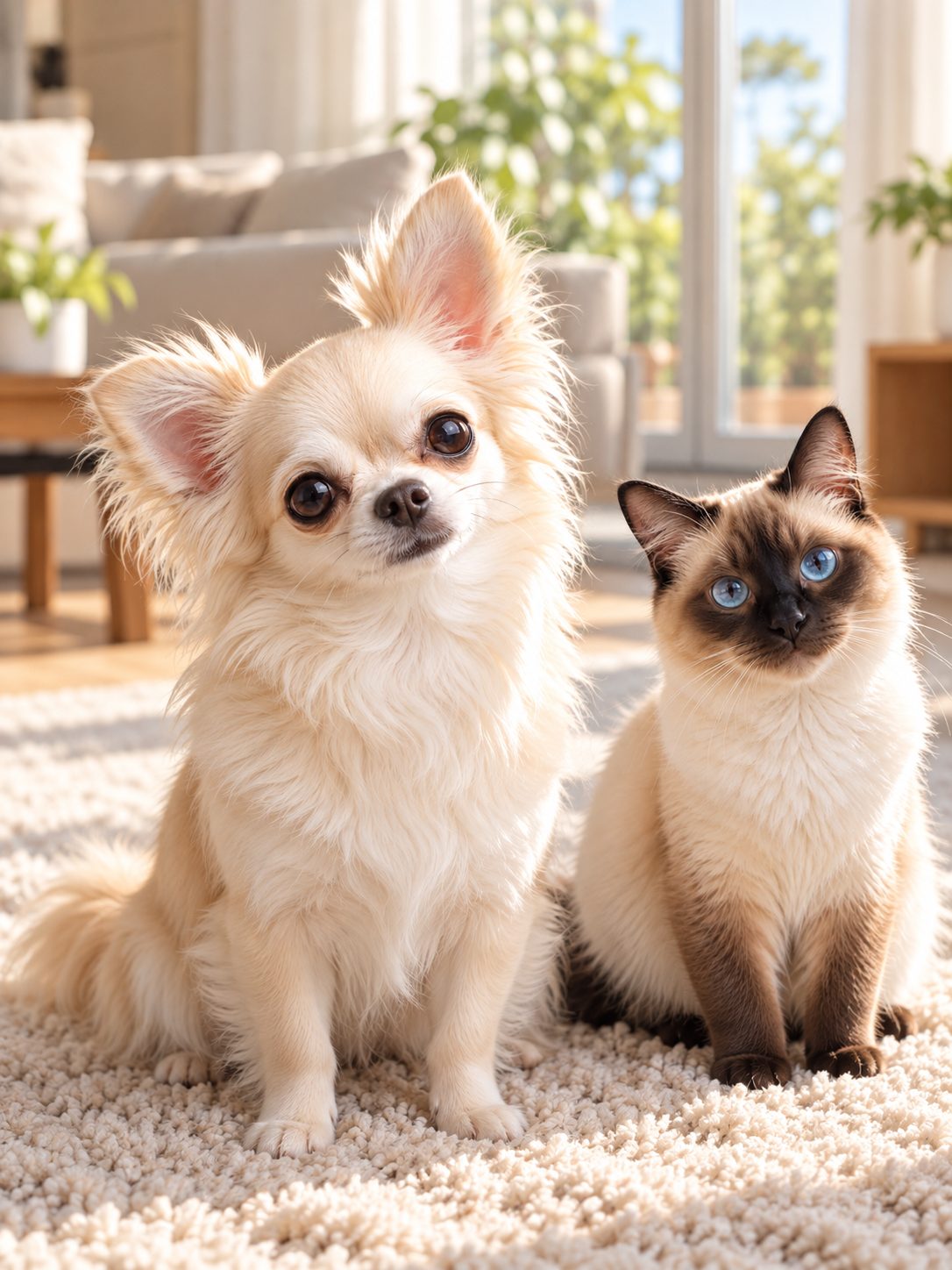
A few face samples are all it takes. The top-left corner shows right away whether it's Bori or Nabi. Even with a dog and a cat in the same home, it doesn't mix them up.
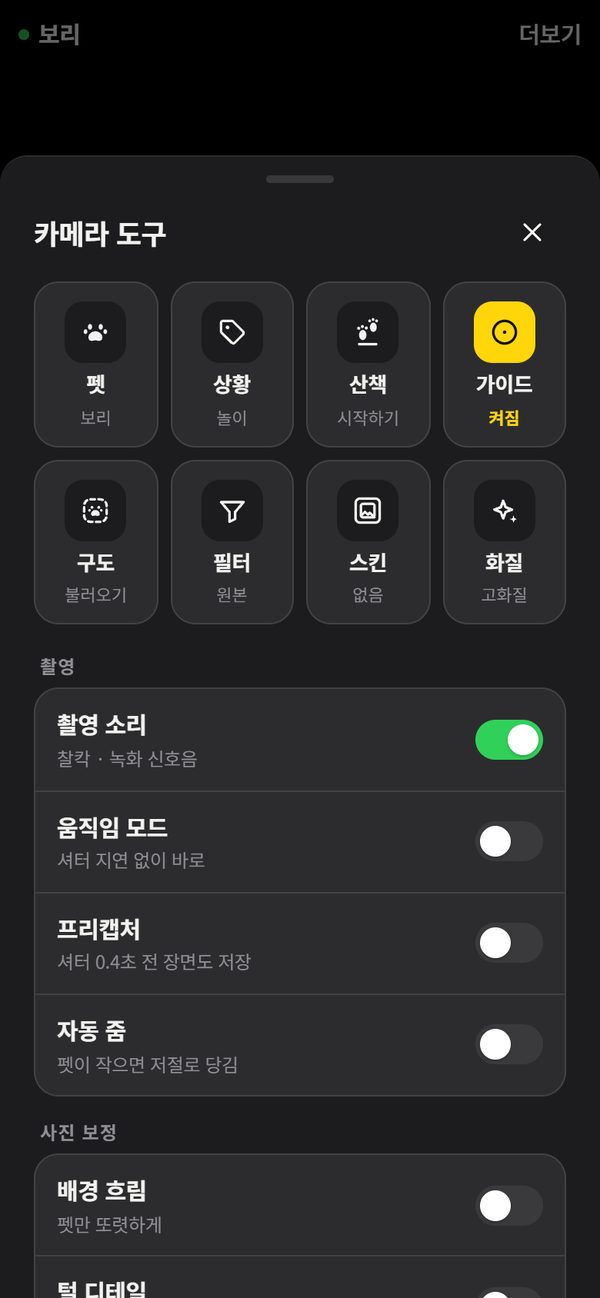
Circle guide · press-and-hold zoom
Line your pet up with the small circle on screen and press and hold the shutter. It finds your pet and zooms until they fill the circle, then shoots when you let go. If your pet moves, it lines up again.
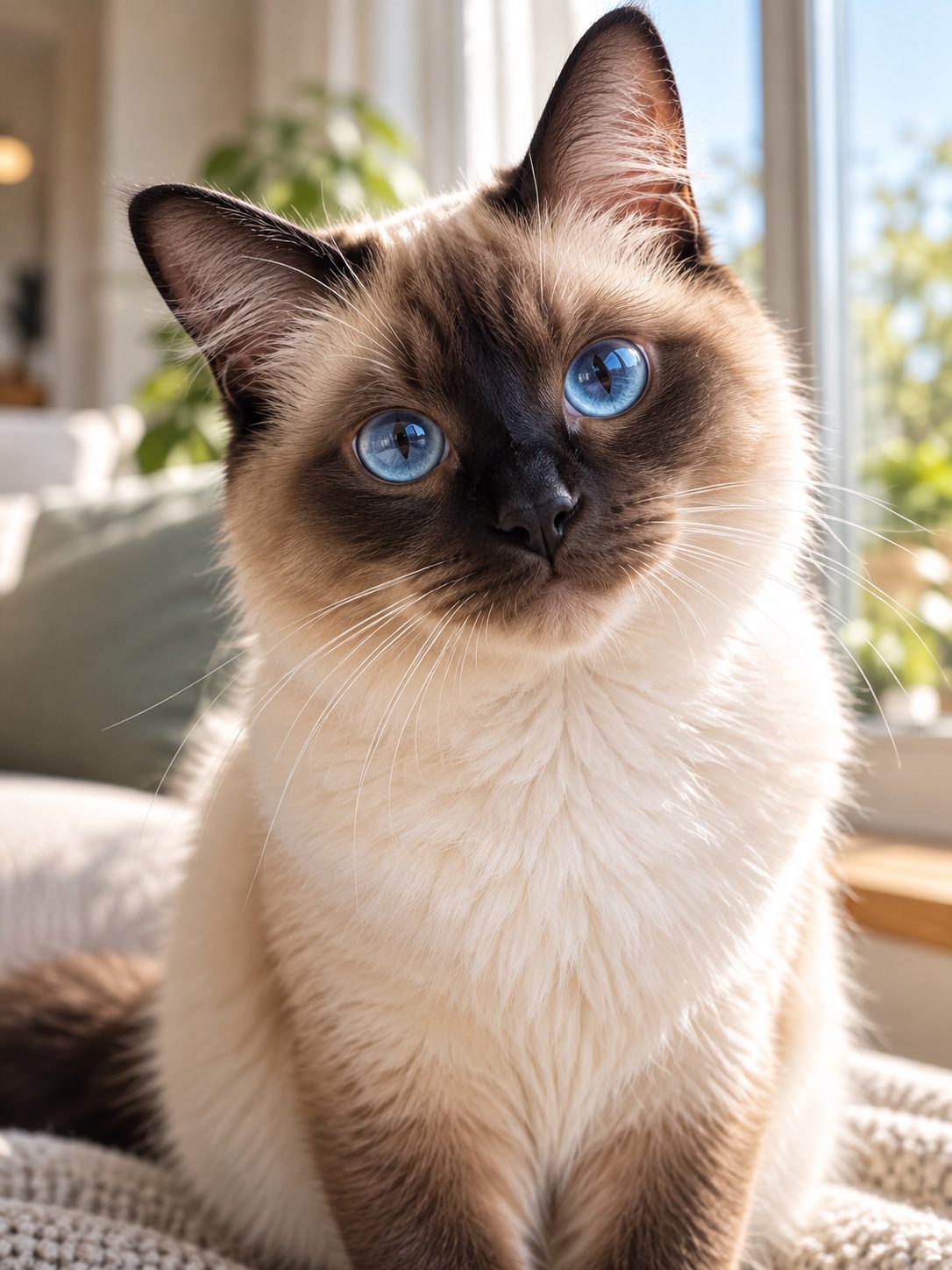
Get their attention
While you hold the attention button, it plays a woof. The moment your pet looks at the lens, let go — click. It works while recording video too.
Call their name
Turn on the name button, then say your pet's name or a Korean photo word like “cheese” or “kimchi”, and it takes the picture. Fine even with treats in both hands, and it copes with slightly off pronunciation. (Android app; listens in Korean for now.)
 Bori!
Cheese~
Call a name while recording and the video keeps going while a separate photo is saved.
Auto shot
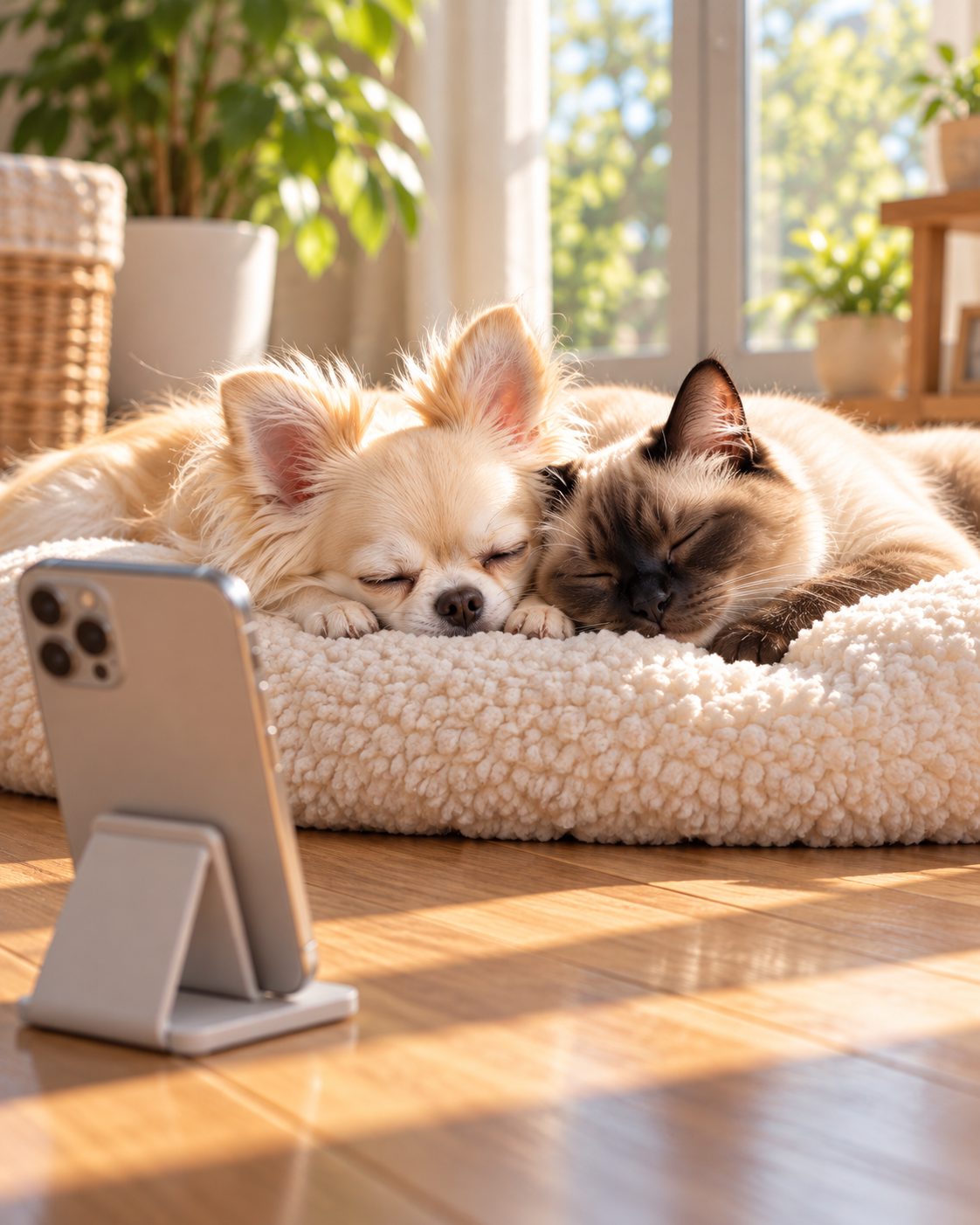
Stand your phone up and tap Auto. It doesn't fire away at random — it only shoots after finding your pet and checking their name. A sleeping pet gets one quiet shot every 5 minutes.
Landscape 16:9
Turn your phone sideways and the buttons and text turn with it, and photos come out wide at 16:9. However you hold it, photos stand upright in the album.
Face cover
Faces of people caught in the shot are covered with a cute puppy face before saving — photos and videos alike. Face detection happens only on your phone and nothing is sent anywhere.

Name stamp
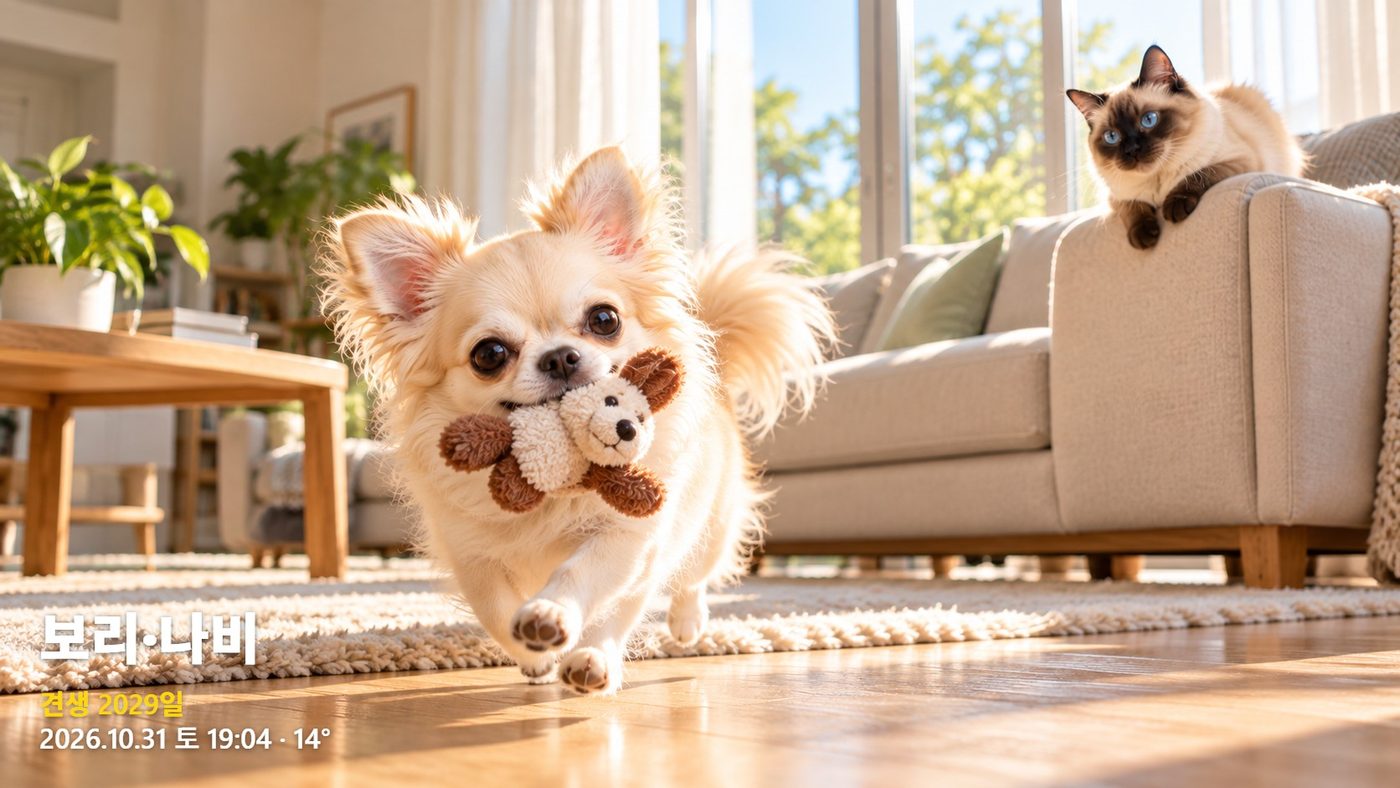
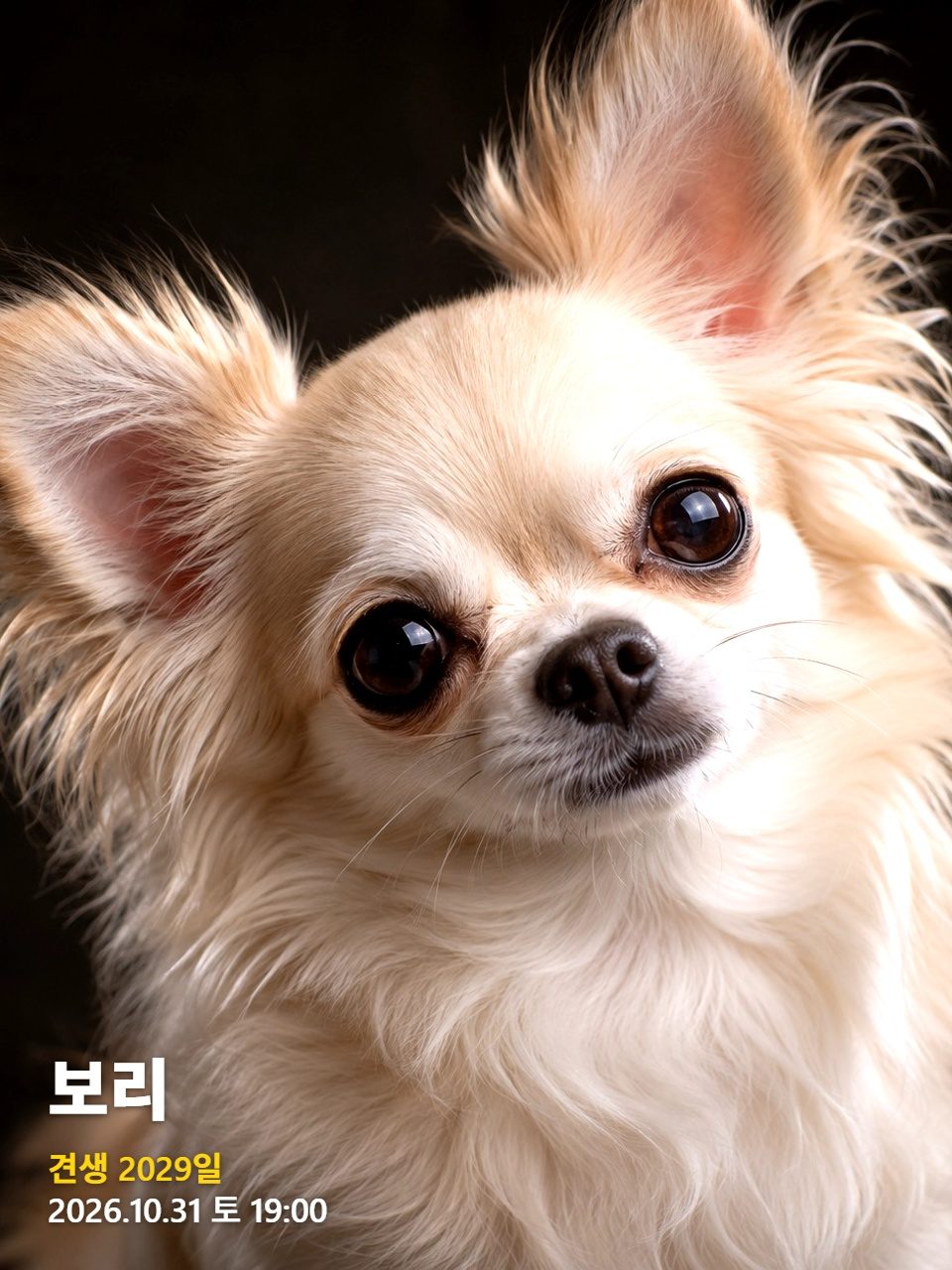
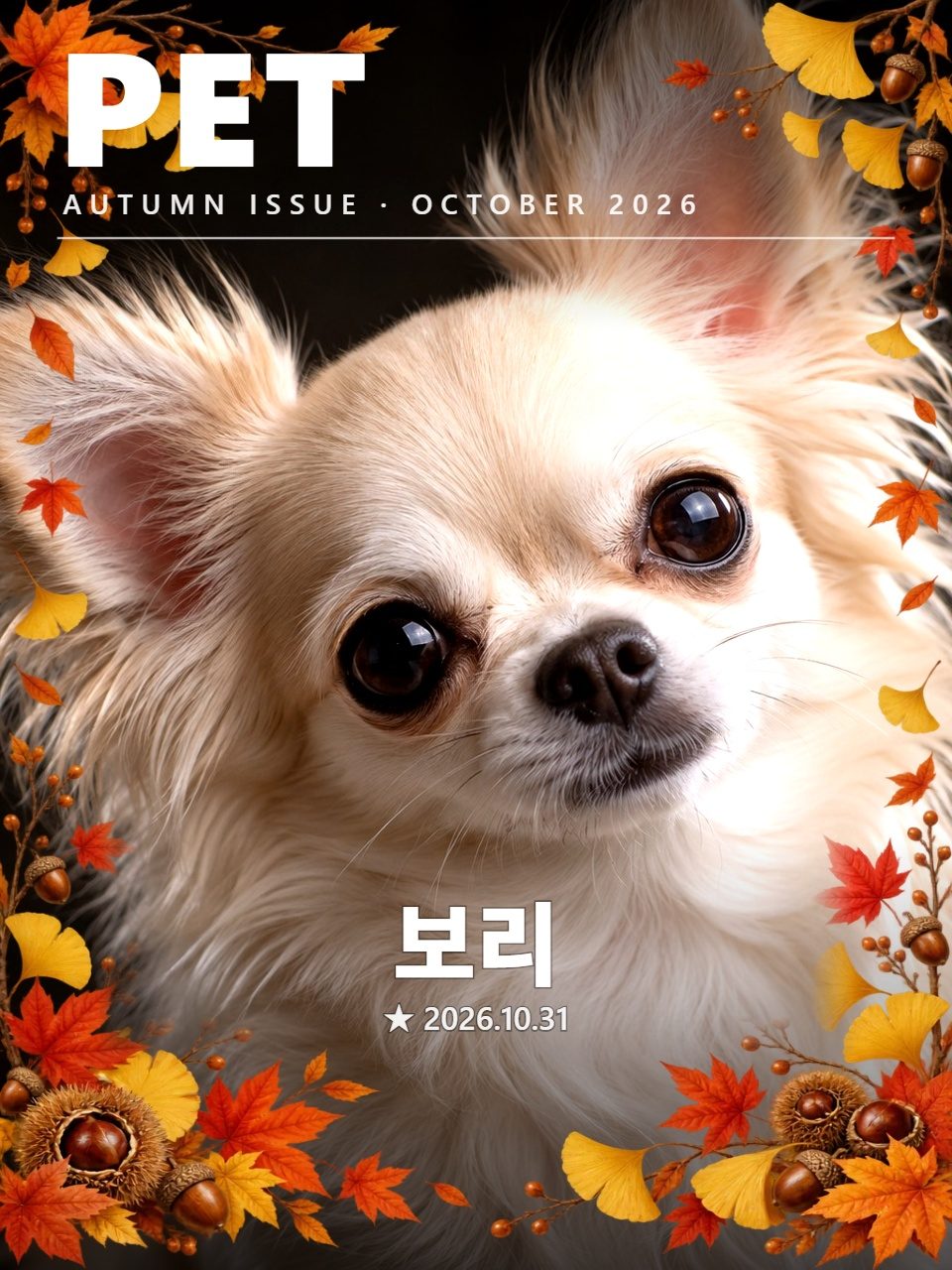
The name of the pet it recognized, a day count since their birthday, the date and the temperature go in the corner of the photo. There are seasonal magazine covers too. If it doesn't recognize anyone, it adds nothing.
Video
No button sounds or vibration while recording, so no clicks end up in your video. The name stamp goes into videos too. You can pause, and if you suddenly leave the app, everything up to that point is saved.
REC 00:03
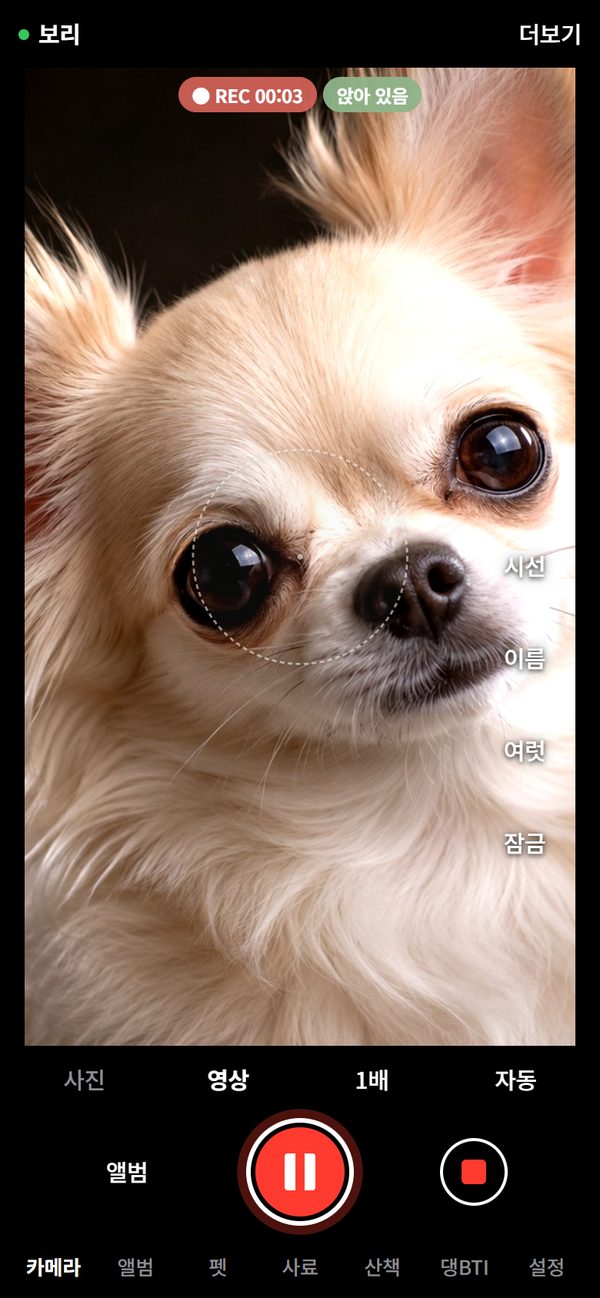
Zoom · auto enhance
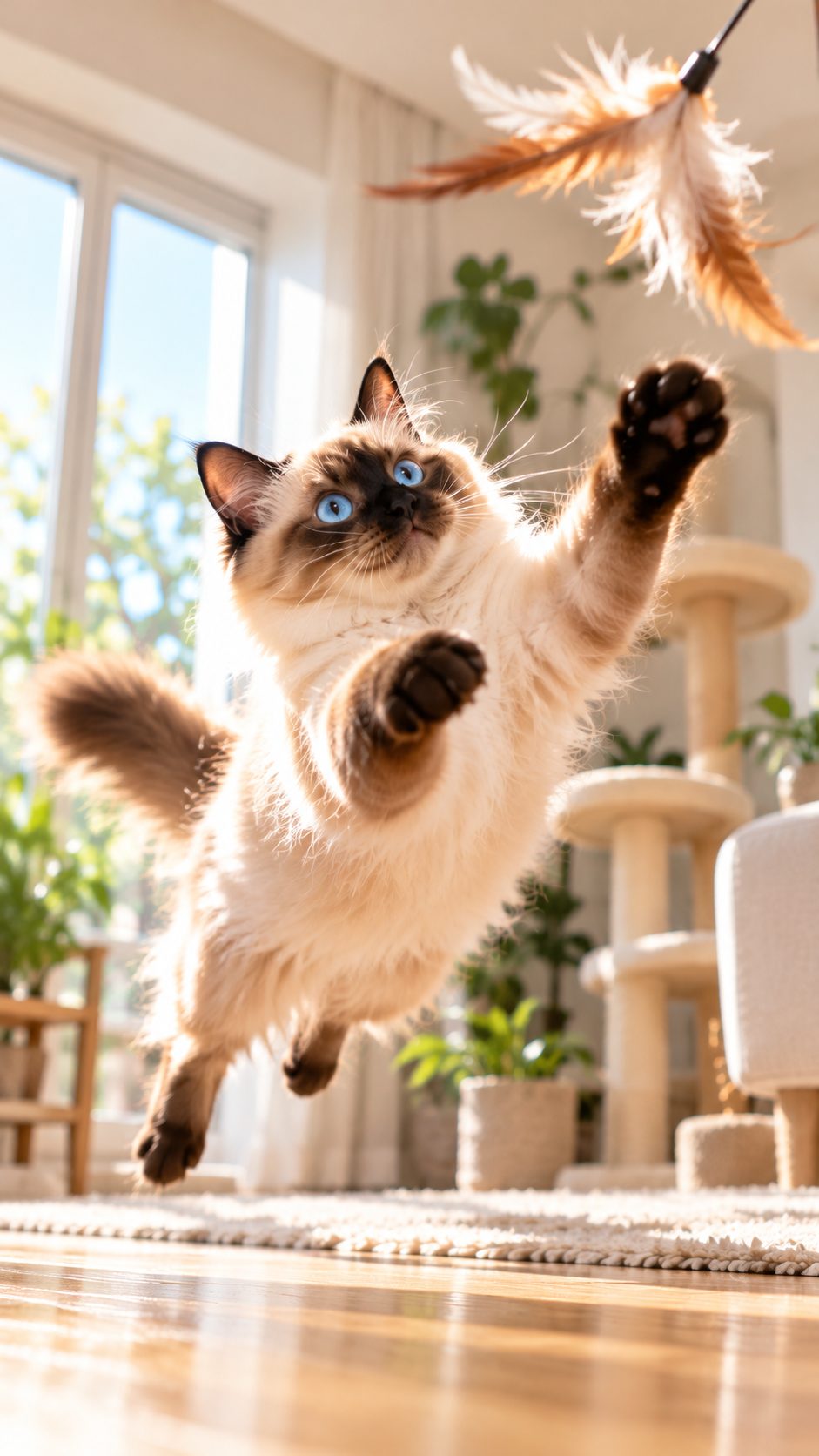
Tap the zoom button and slide the wheel for a smooth zoom. It switches to the telephoto lens on its own, and zoomed shots keep the fur detail while cutting the grain.
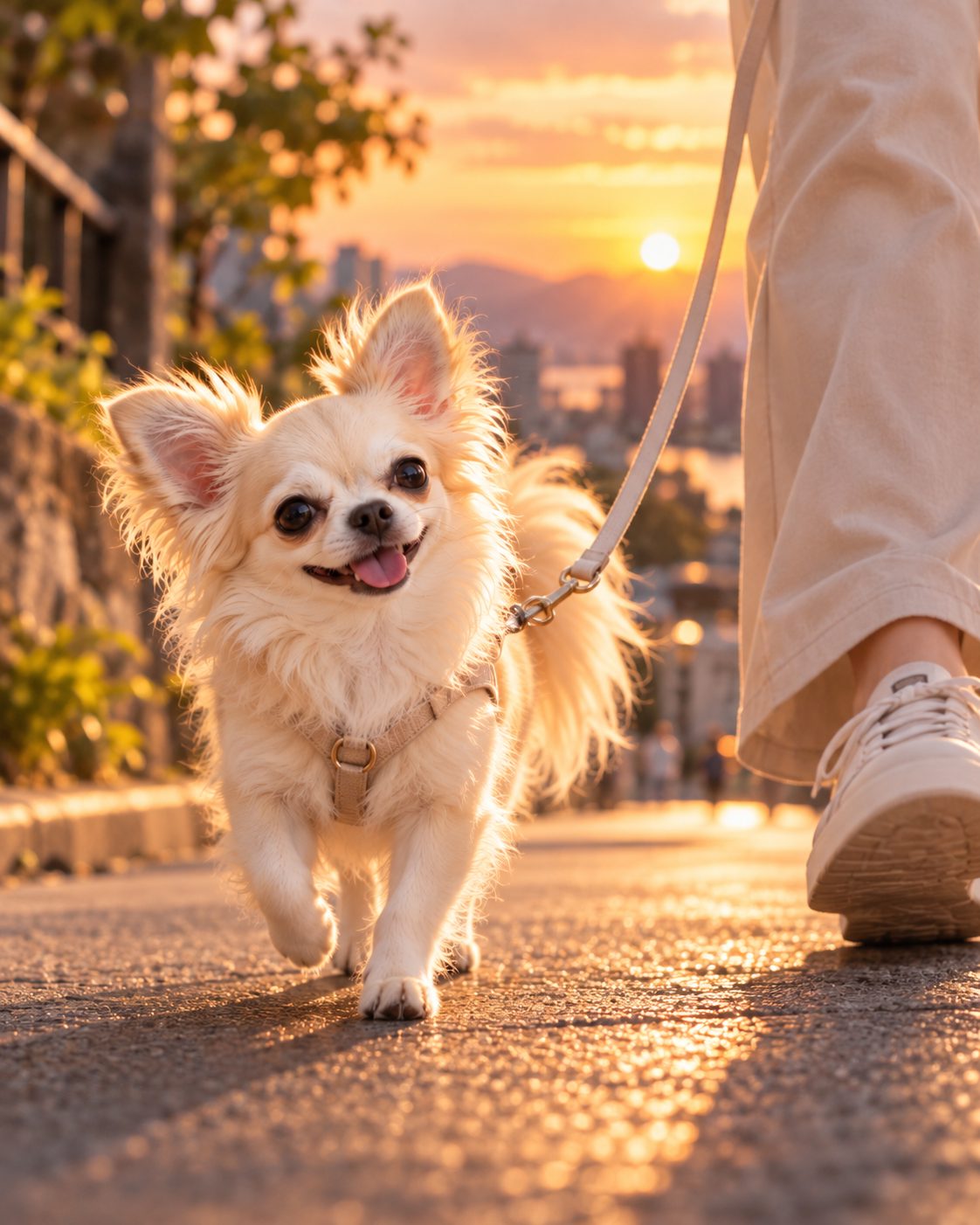
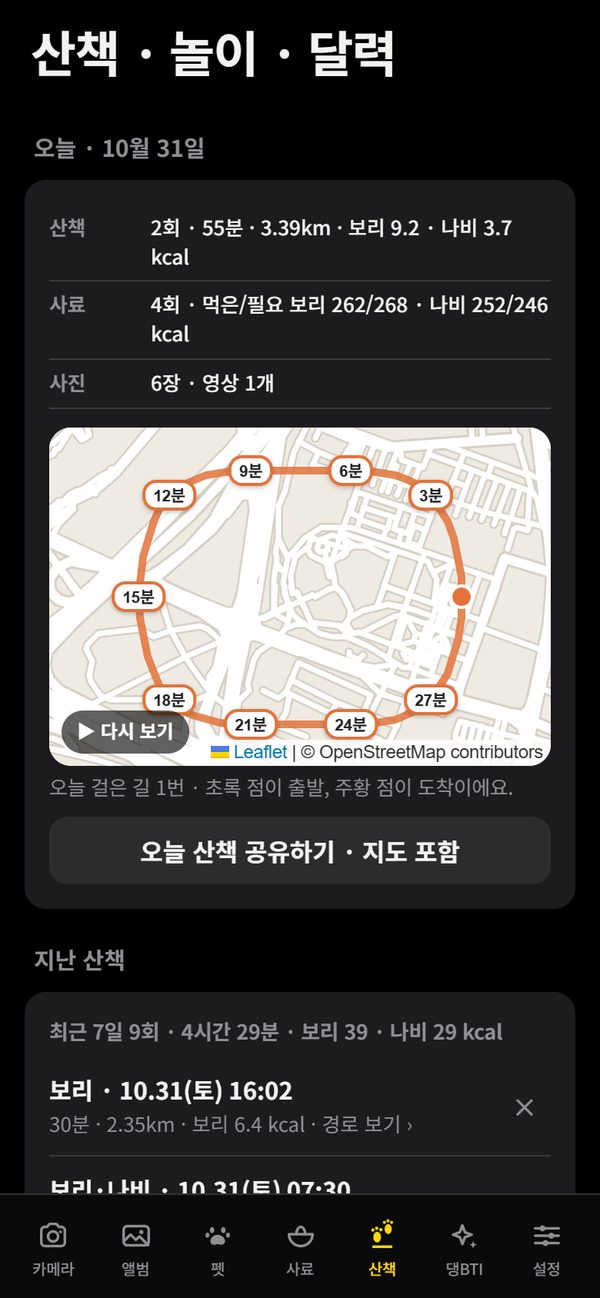
Walk log
Start a walk and it records where you went, marking every 3 minutes on a map that shows only the paths, no shop names. Tap replay to follow the route in order. Walking several pets? Calories are counted for each one.
Dangnyang Album
Installing adds two icons to your home screen. Tap Dangnyang Album to open straight to your album without turning on the camera. No extra app to install.
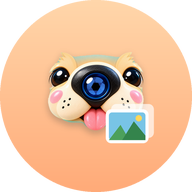
These are the actual icons in the app
Album · full screen
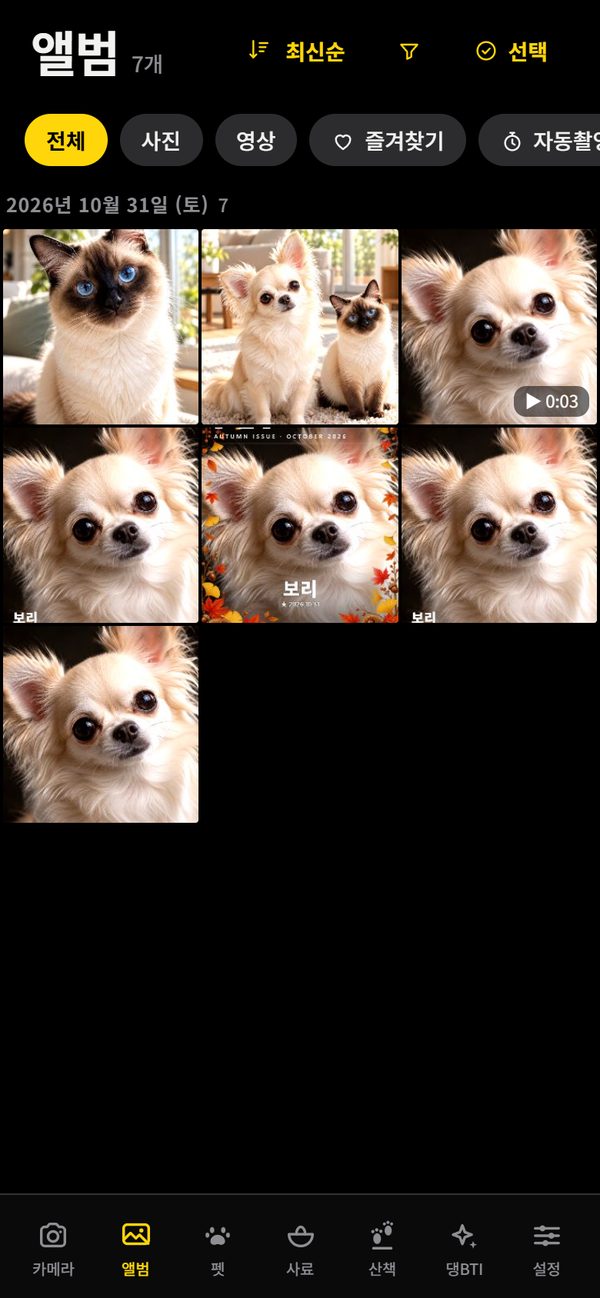
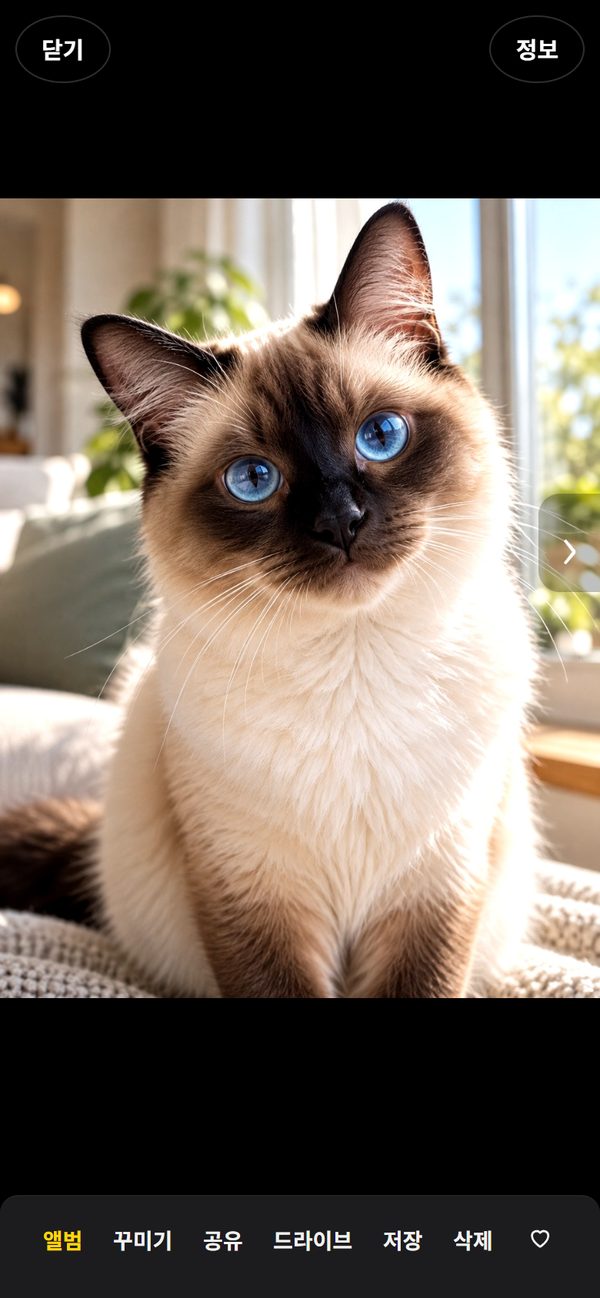
Shots are grouped by date, and you can filter by photo, video or favorite. Landscape videos rotate to fill the screen in full-screen mode. Long-press to pick several and send them straight to KakaoTalk or Drive.
Filters · decorate
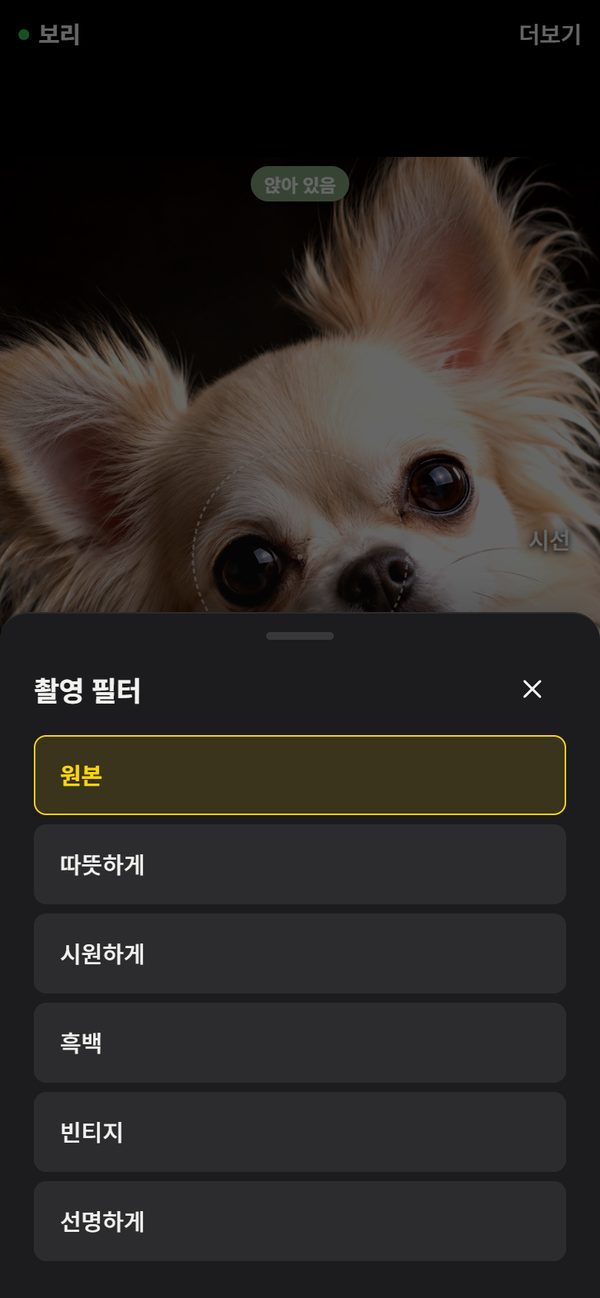
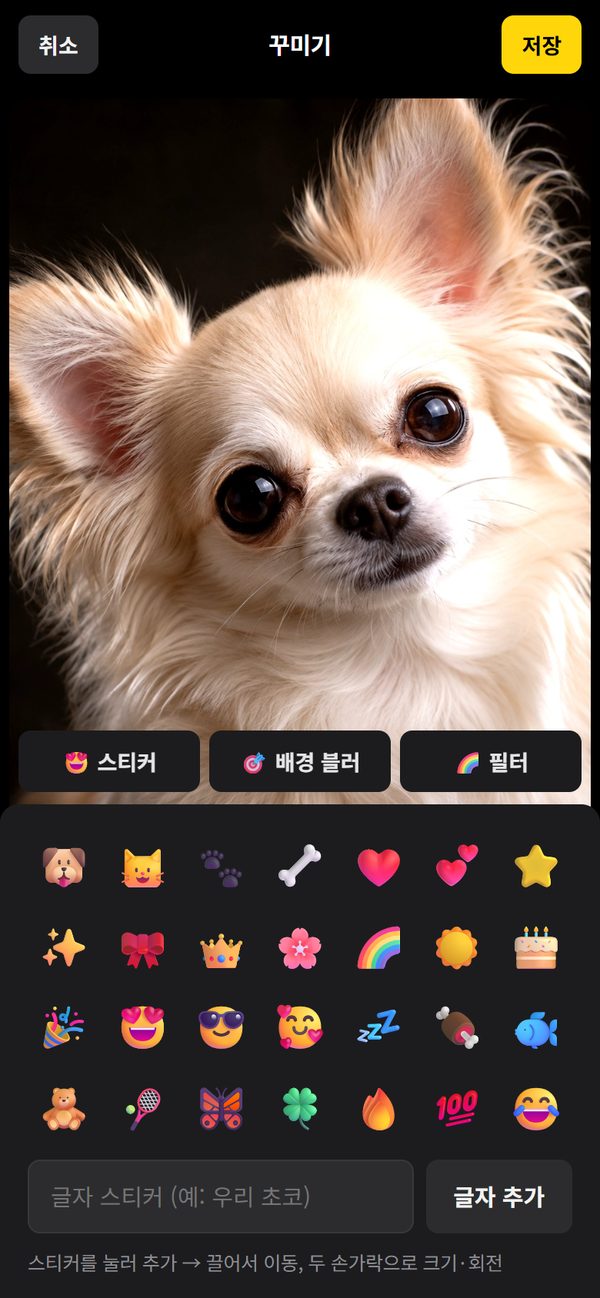
Pick a filter while shooting and it's applied to the photo right away. Afterwards, add stickers, background blur and text, and save it as a new photo. The original stays as it was.
Moments
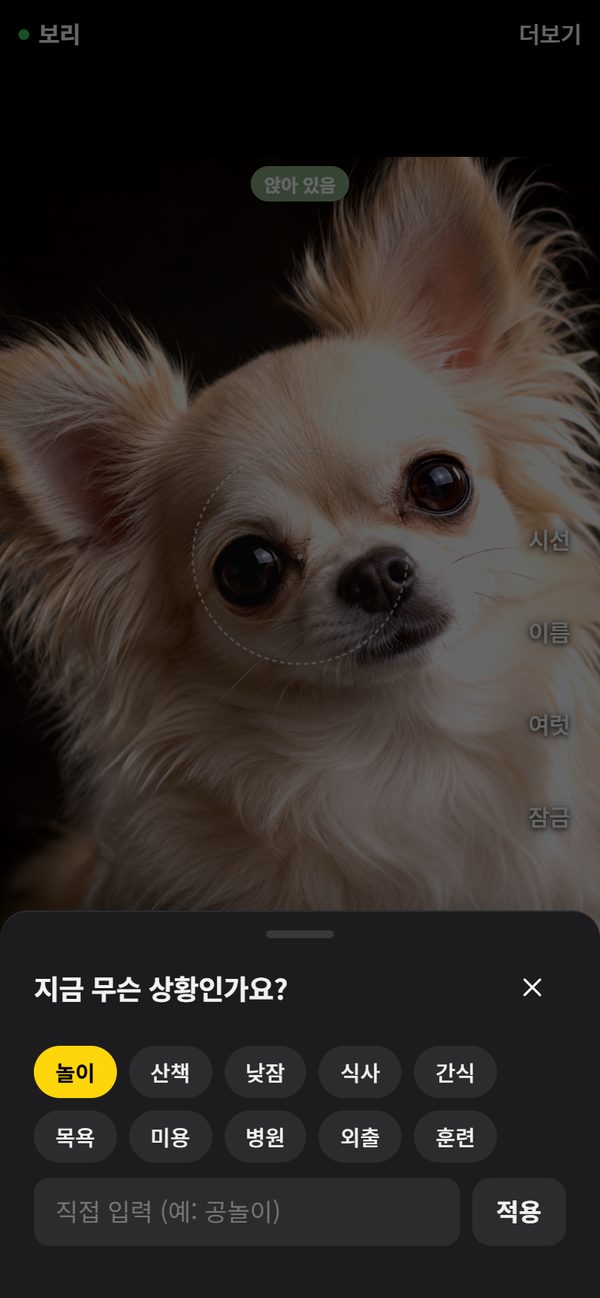
Pick what's going on and a caption like “Saturday afternoon with Bori · Play” is added automatically. In the album you can browse by moment.
Beyond the camera
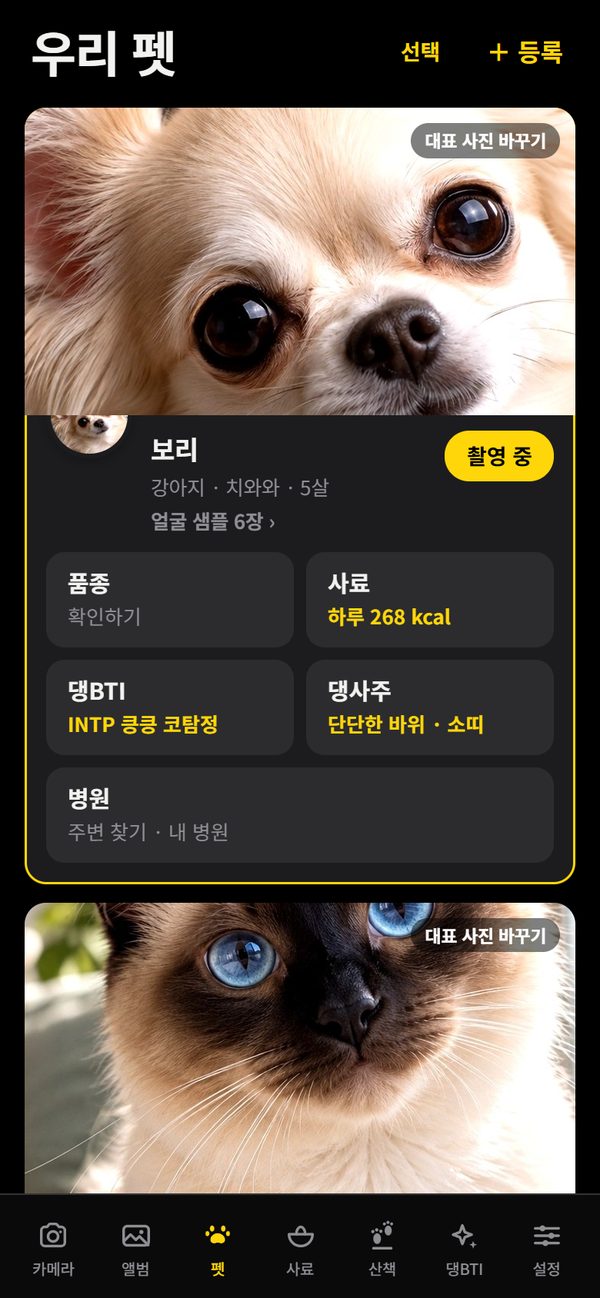
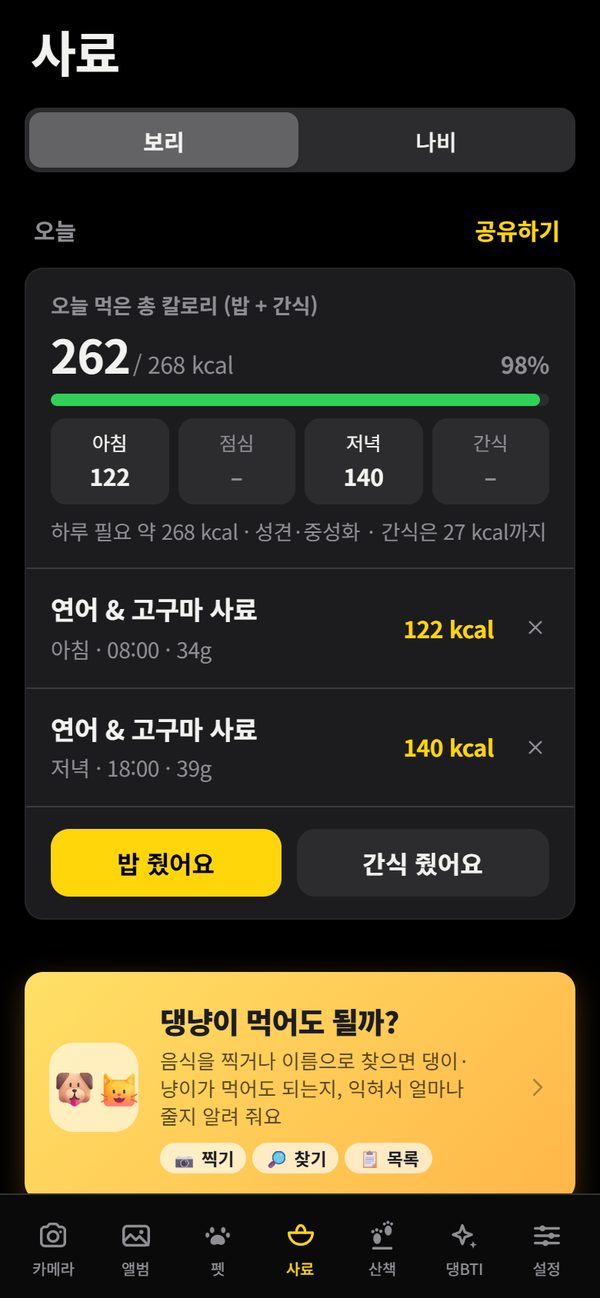
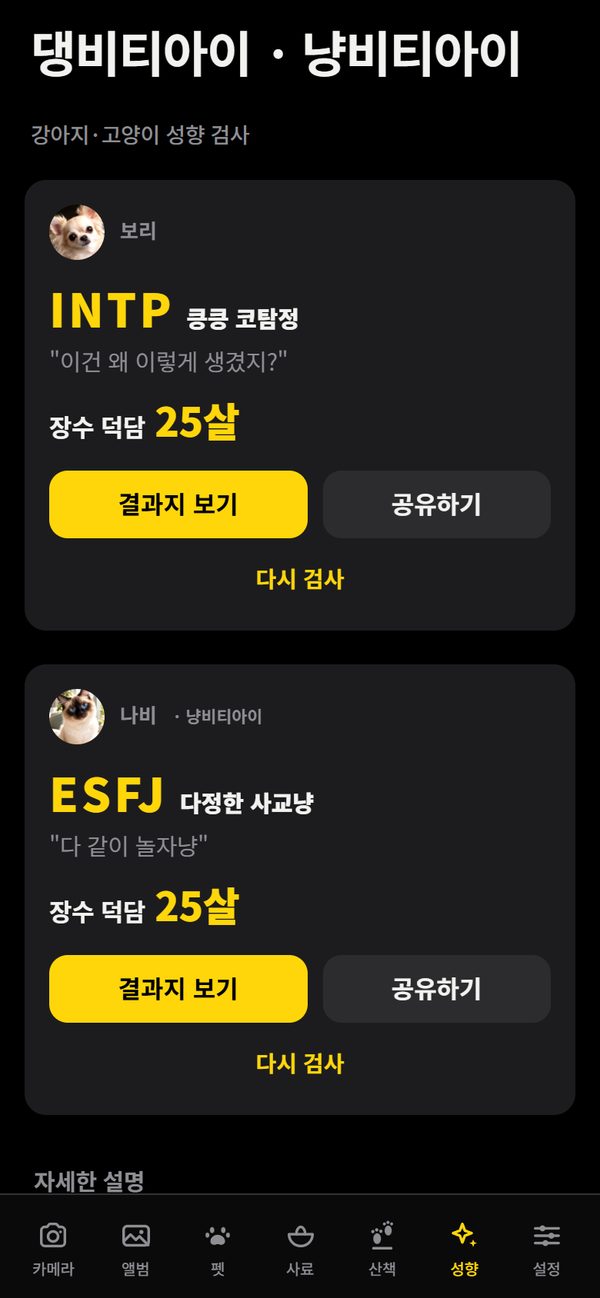
Pet profiles, daily calorie needs and what they ate today, and a personality quiz for dogs and cats are all built in.
Join the test
Dangnyangcam is in a closed test on Google Play. Sign up and you can get it free from the Play Store before the official launch. The app is in Korean for now.
Tap on a phone signed in with the Gmail you registered and the Play Store opens. New versions update here too.
Send the Gmail address you use on the Play Store to the address below. Feel free to copy and paste.
Play Store Gmail address:
Phone model (optional):
My pet (optional): dog / cat
We add your Gmail address to the tester list and reply with a join link.
On your phone, signed in with that Gmail, open the link and tap Become a tester. Then tap Download it on Google Play to install. It can take from a few minutes to a few hours for your sign-up to go through.
Google requires at least 12 testers to keep the app installed for over 14 days before it can launch. Please don't uninstall it, and take a photo of your pet now and then.
Send anything that bugged you, anything you liked, or photos that came out odd to the same email. Send private feedback on the app's Play Store page works too.
Not yet — the app screens are in Korean for now.
Android only for now.
It's free. No ads, no in-app purchases.
Photos, videos and pet info are stored only on your phone and are never sent to the developer. Only a few features, like weather and maps, send an approximate location to outside services. See the privacy policy for details.
Only to add you to the Play tester list and to send the join link and notices.
No. It's the same app, so it continues through Play Store updates.
Recognition, zoom and face cover all happen on your phone. No sign-up, no keys needed.